 01
01Capture the work
Add tasks manually, from the calendar, or by talking with Ask Horme when your Gemini key is connected.
 For individuals and teams
Horme is a gamified productivity app that helps you sort tasks by urgency and importance using the Eisenhower Matrix. Finish work, earn XP, keep your streak, and collaborate with your team.
Prioritize with clarity

XP, streaks & rewards

Solo or with your team
Home screen ready
Why Horme
Most lists treat every task the same. Horme starts with the Eisenhower Matrix so you see what deserves attention now, what to schedule, and what can wait. Streaks and XP then turn consistency into something you can feel.
Built for individuals who want sharp focus, and for teams that want shared momentum. Categories keep contexts separate. Calendar views keep due dates honest. Themes and celebrations keep the day from feeling sterile.
 Start free in secondsSolo or team workflows
 Themes unlocked with coins
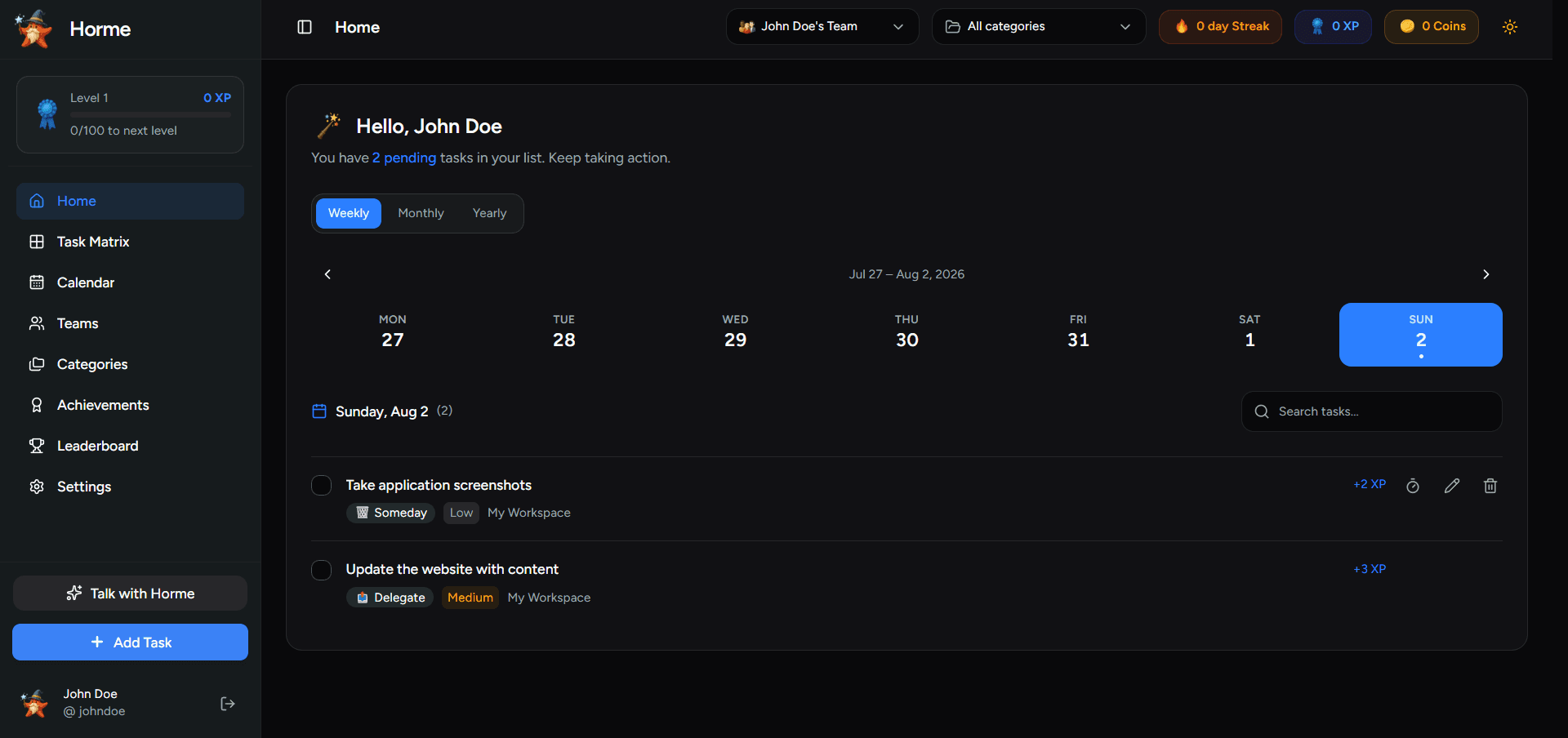
 Home and calendar views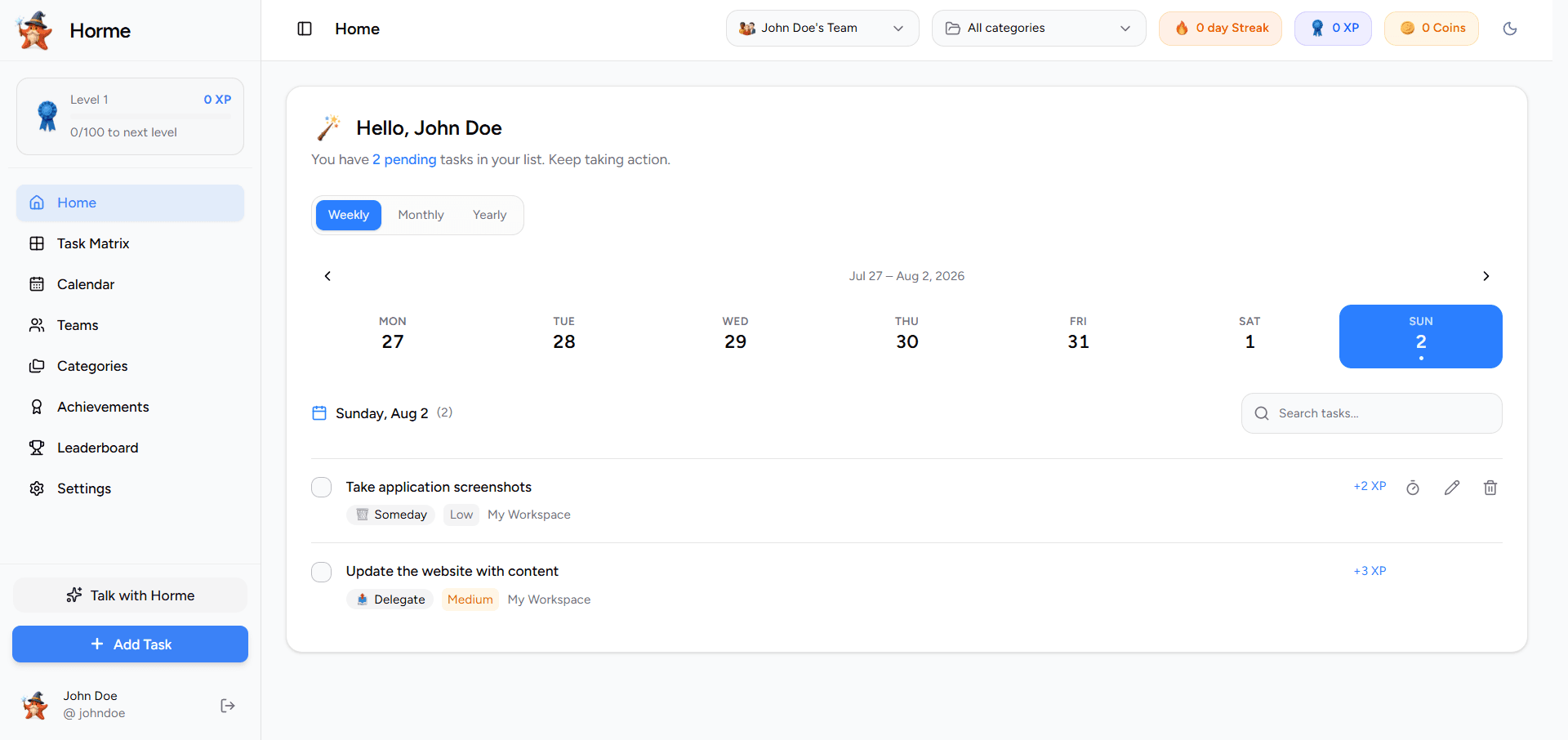
How it works
Horme stays simple on purpose. Capture work, place it on the matrix, finish what matters, and let progress compound.
01Add tasks manually, from the calendar, or by talking with Ask Horme when your Gemini key is connected.
02Sort by urgency and importance so Do Now stays small and Plan It stays protected.
 03
03Completions feed XP, streaks, coins, and achievements. Come back tomorrow with a reason to continue.
 04
04Stay private or sign up for sync, public ranks, referrals, and team boards.
The matrix
Sort work by urgency and importance, then act without second guessing what belongs on today.
Urgent and important
Finish what cannot wait. Critical work lands here with the strongest XP when you complete it.

Important, not urgent
Protect deep work and milestones. Schedule them so the week stays intentional.
Urgent, less important
Clear quick wins and handoffs fast so they do not steal focus from real priorities.
Neither urgent nor important
Park ideas without cluttering today. Pull them forward when you have bandwidth.
Progress
Points are not the point. They make finishing a habit, celebrating progress, and coming back tomorrow feel natural.

Complete something every day to keep the flame alive. Missing a day resets the count, so consistency matters.

Higher priority completions earn more XP. Level up to unlock a sense of progress you can see.

Spend coins in Display settings to unlock color themes and make the workspace feel like yours.

Milestone stars, monthly challenges, and level badges celebrate the kind of work you finish.

Opt into a public profile to climb solo XP or streak boards. Team boards unlock when you collaborate with others.
Unlocks can trigger confetti and GIFs keyed to vibes you choose, so wins feel memorable.
Ways to start
Jump in and prioritize right away. Create an account when you want sync, ranks, or team collaboration.
Ask Horme
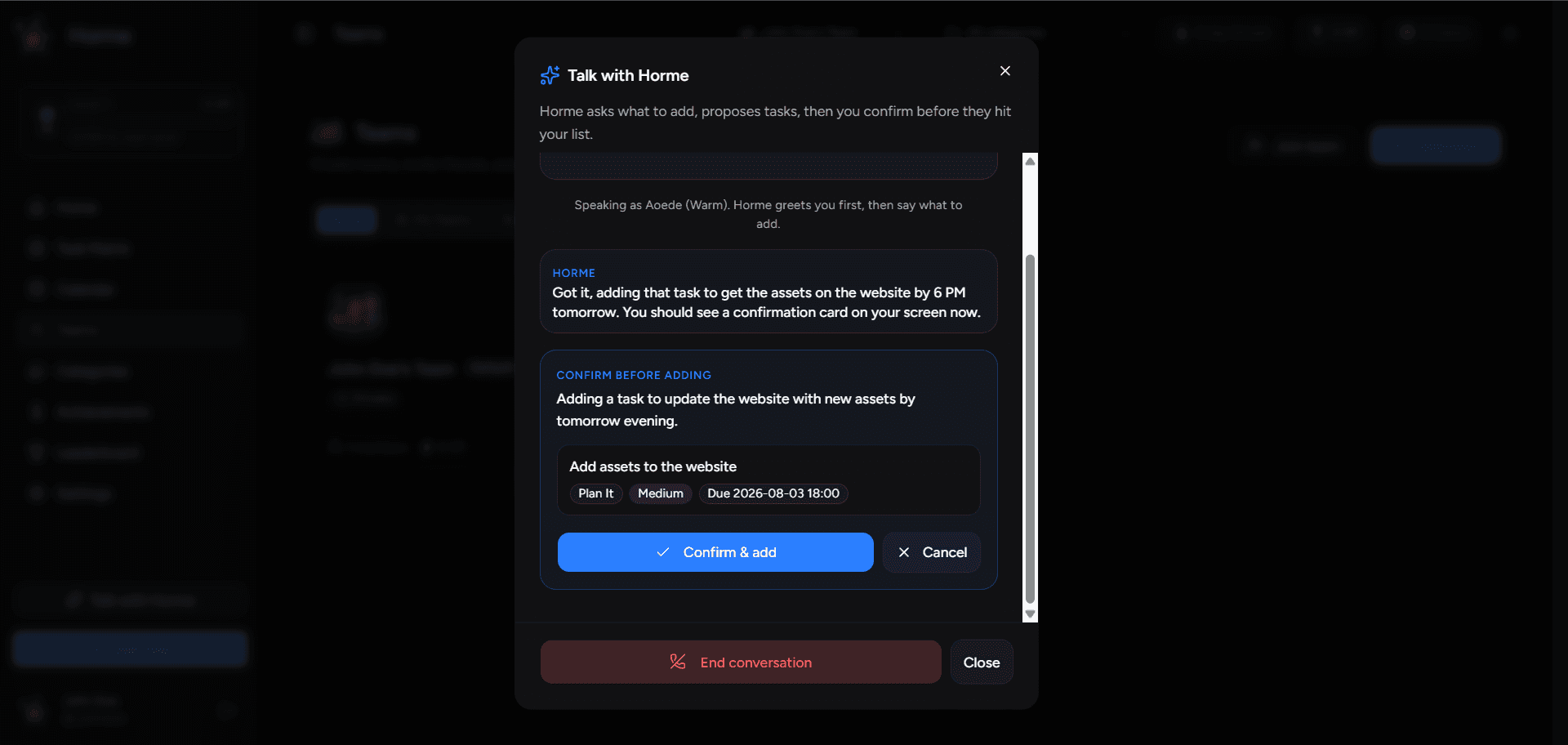
Bring your own Gemini key and use live voice to capture work hands free. Horme proposes structured tasks. You review the sheet and confirm. Nothing lands in your list until you say so.
Your key stays under Integrations Choose voice and persona for the session
 Confirm each batch before it is saved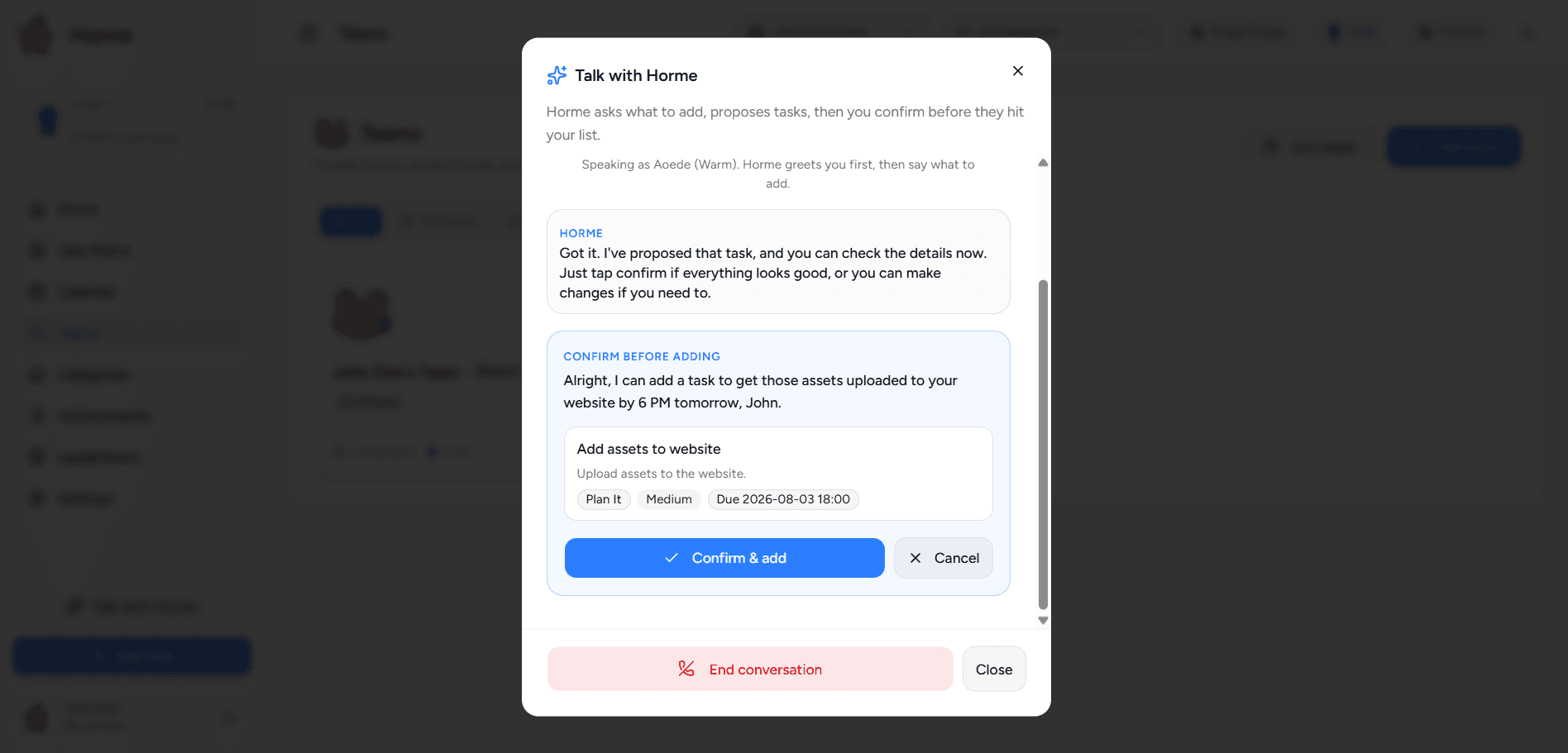
Inside the app
A look at home, the matrix, achievements, and teams.
Home and calendar
Week strip, filters, and today’s focus
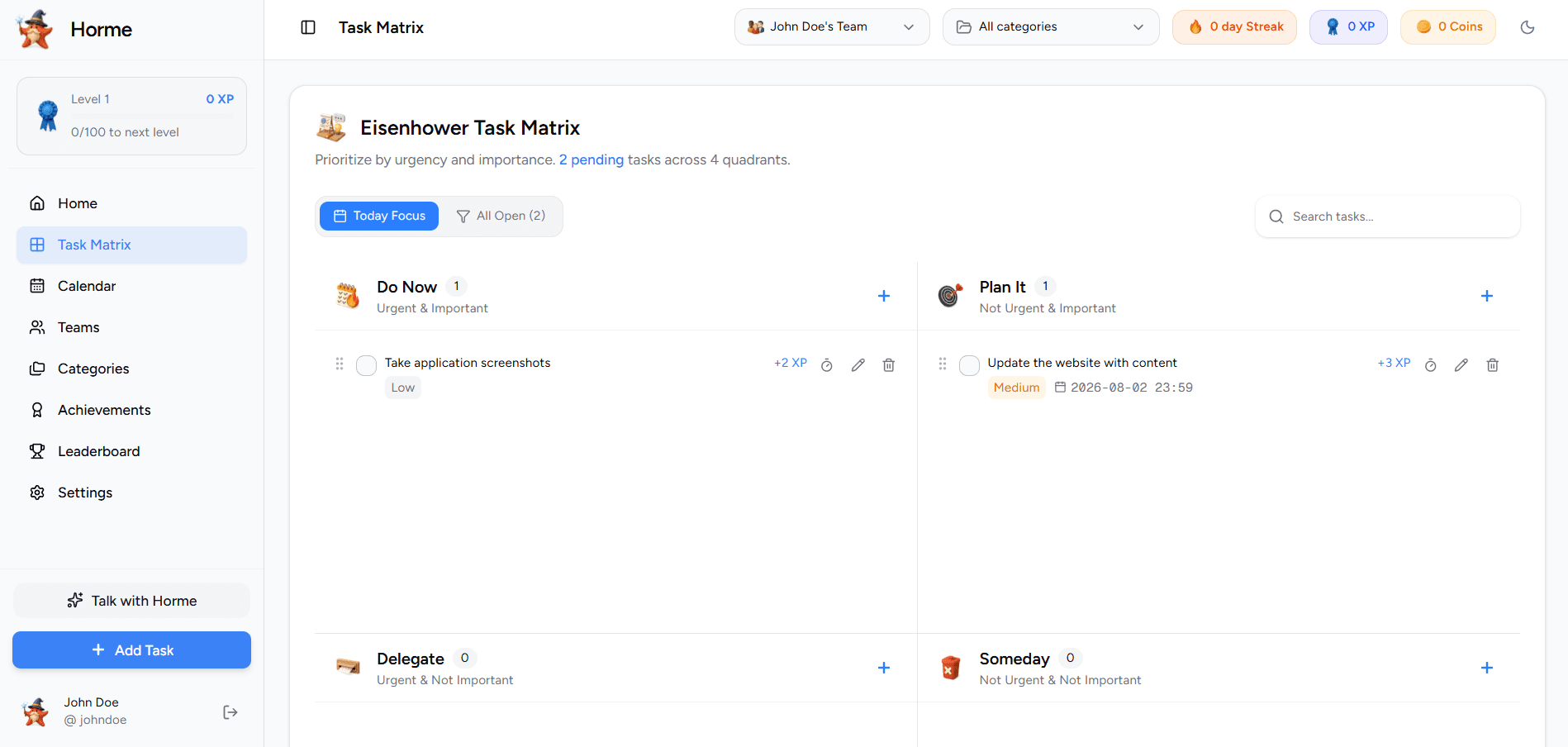
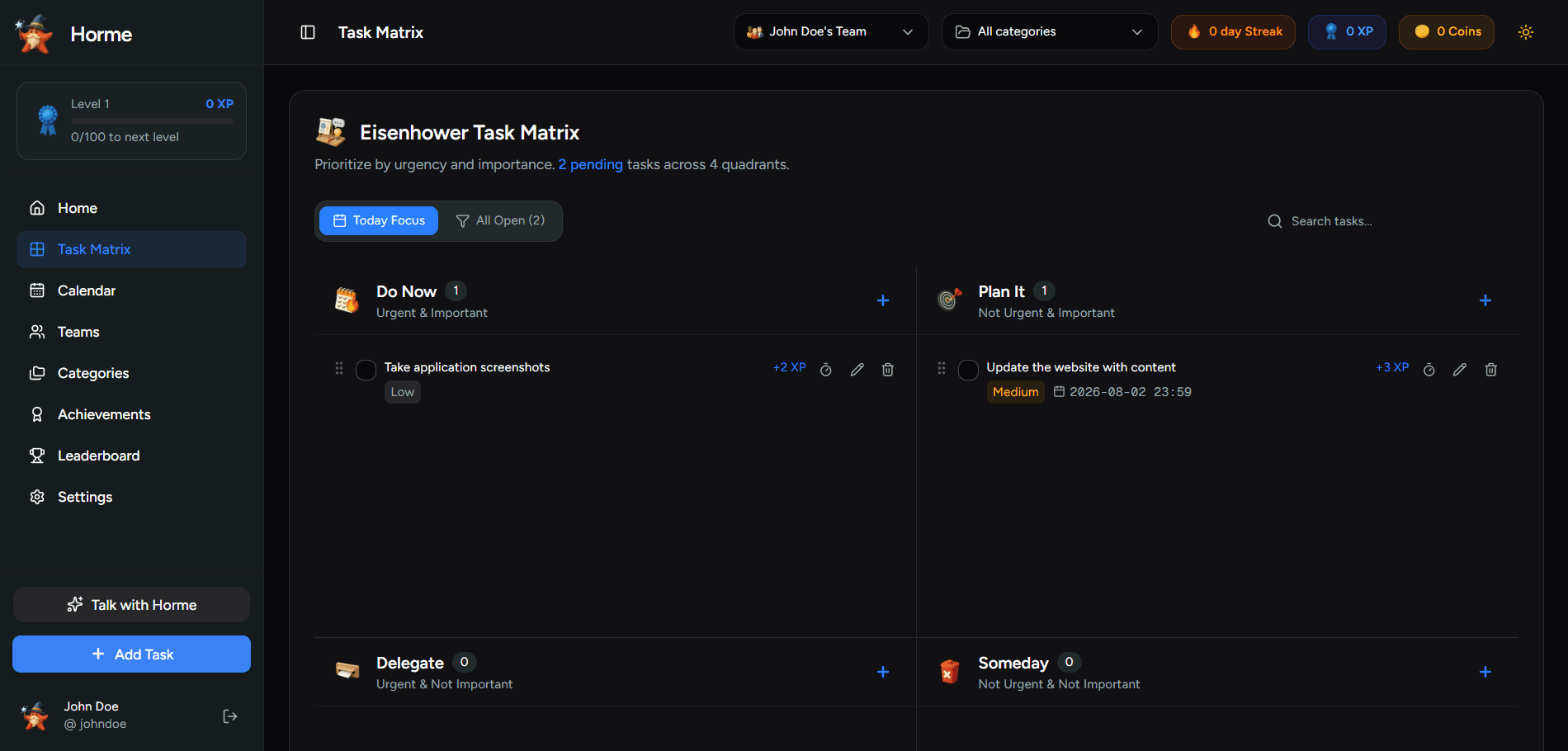
Eisenhower matrix
Four quadrants at a glance
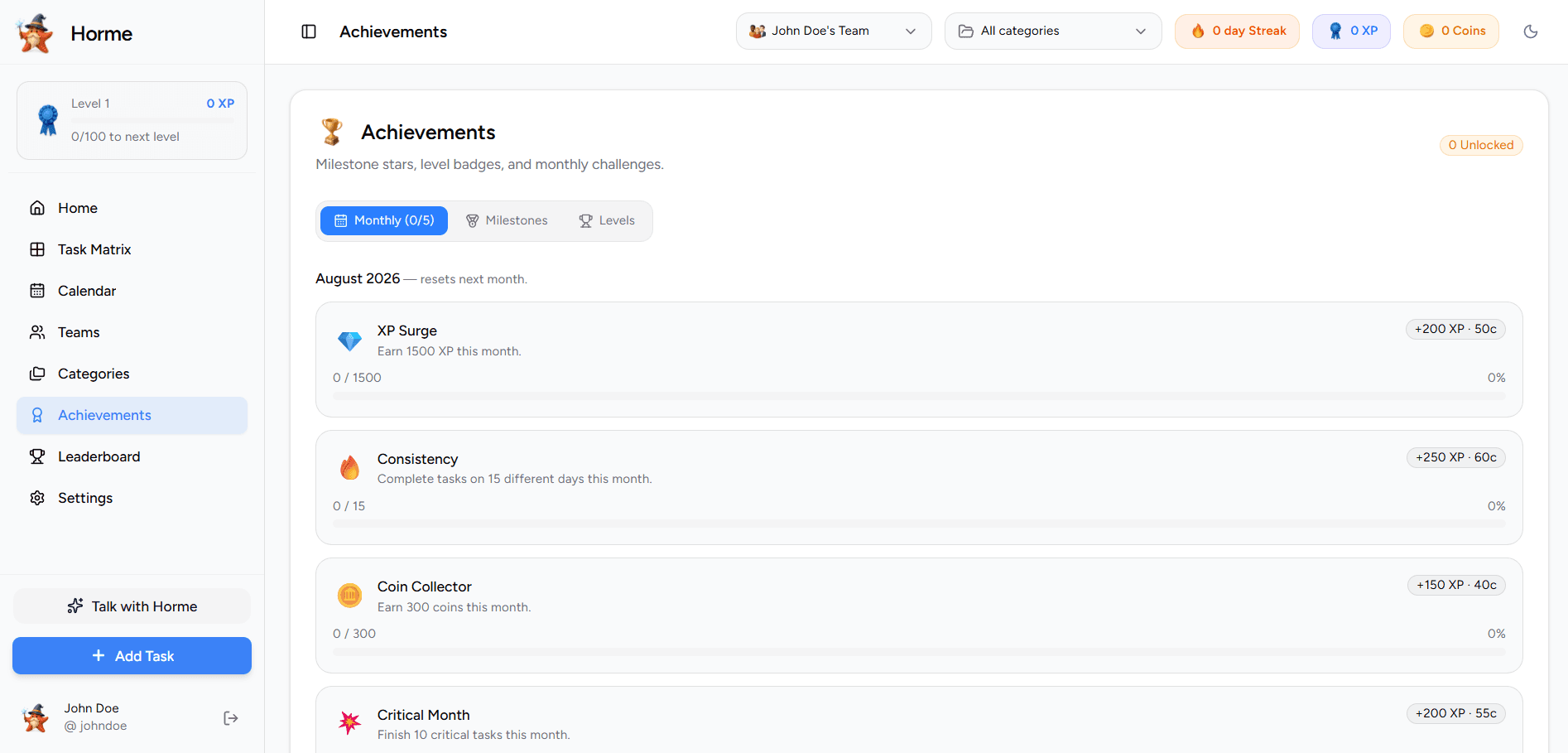
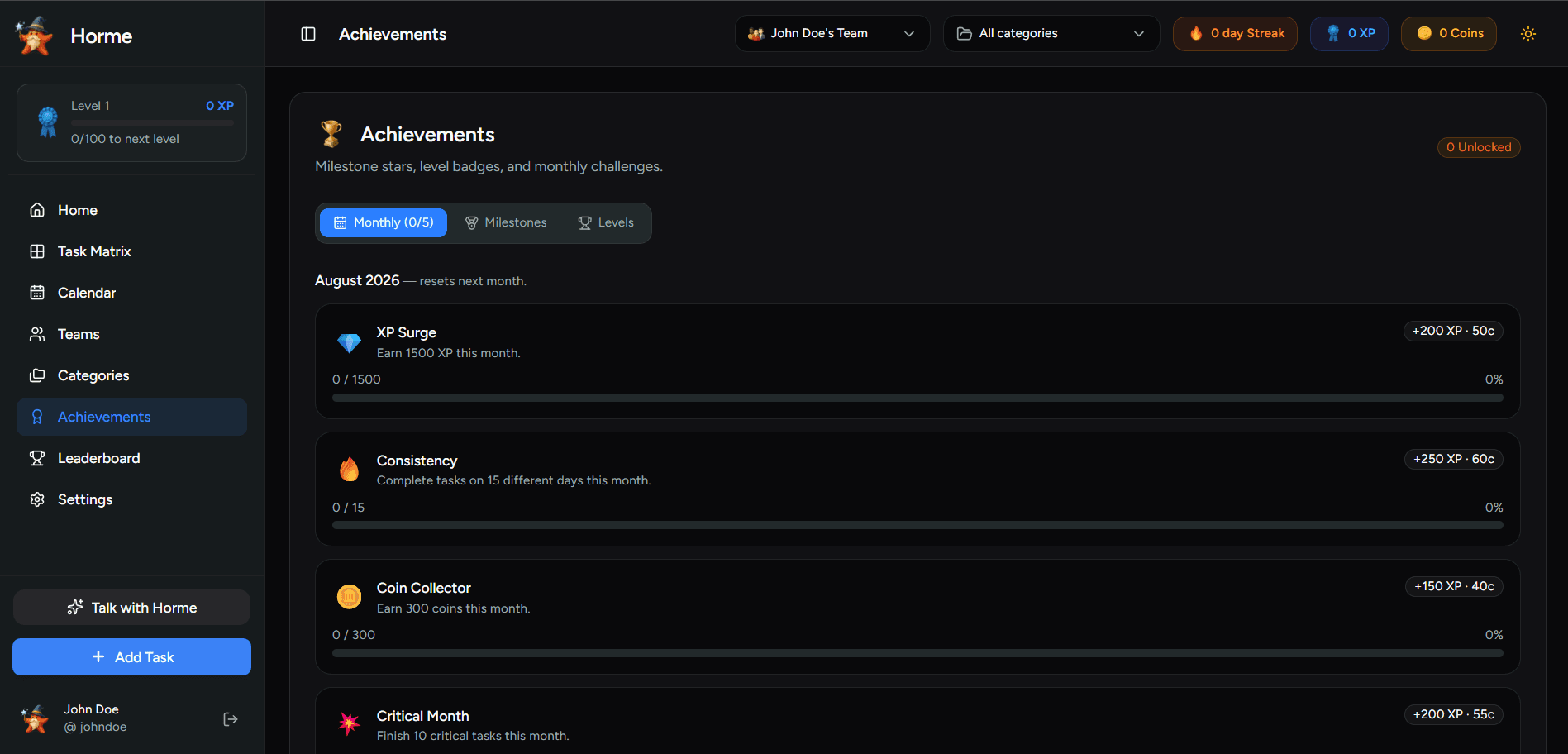
Achievements
Stars, monthly goals, and levels
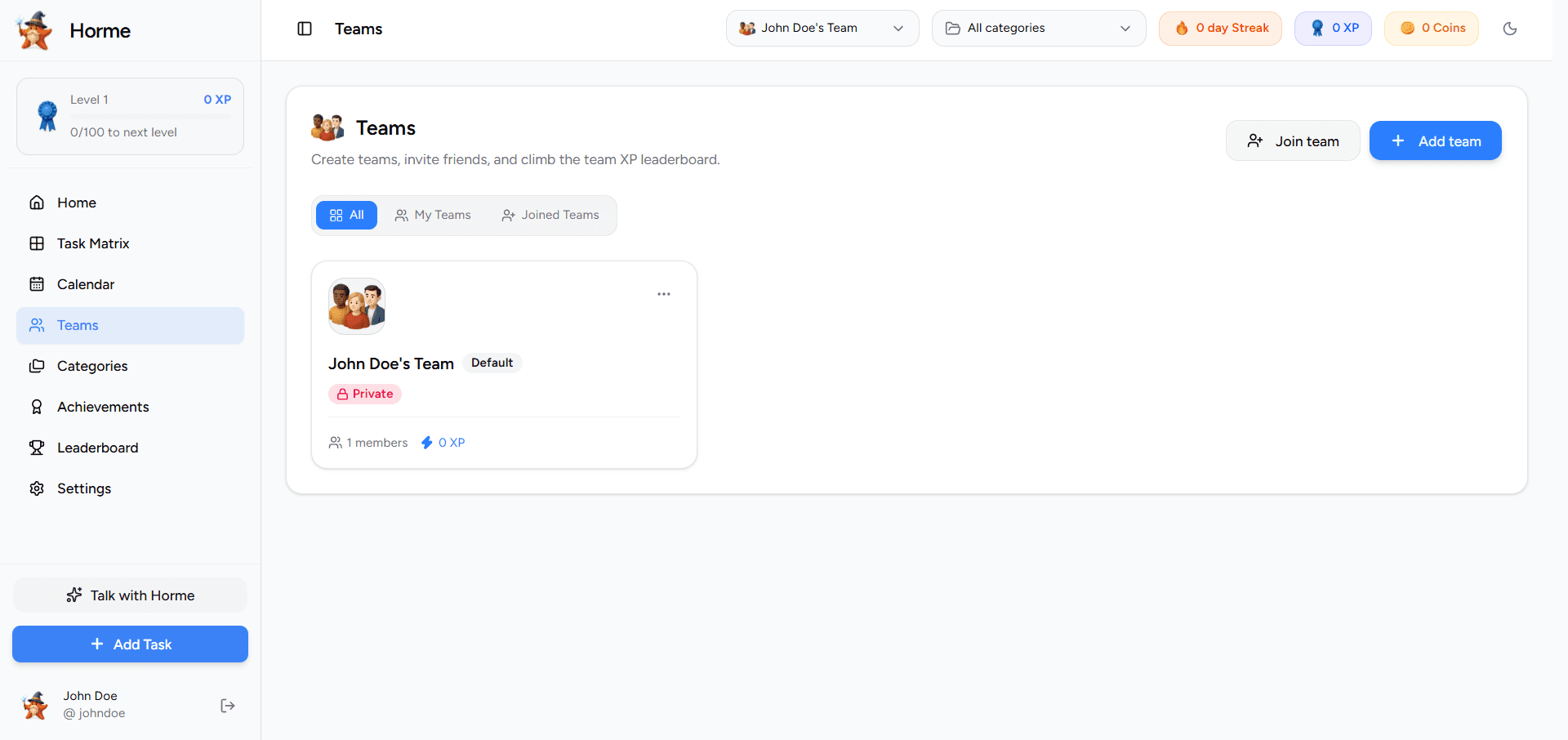
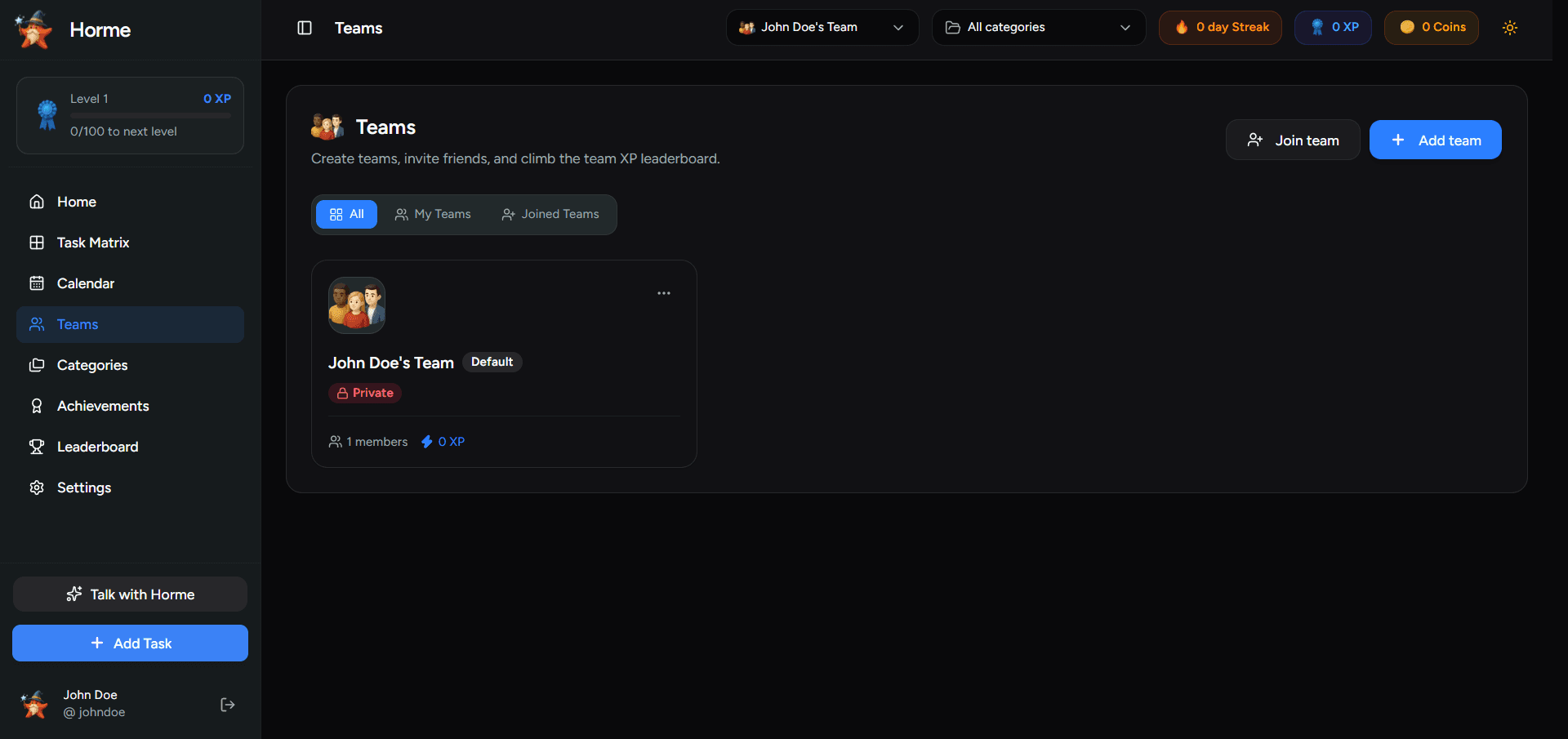
Teams and leaderboard
Collaborate and climb together
FAQ
Both. Use it solo for personal prioritization, or create an account to collaborate with teams, share boards, and climb leaderboards together.
No. Jump in instantly and try the full matrix experience. Create a free account later when you want sync, teams, or a public profile.
A simple grid that sorts work by urgency and importance into Do Now, Plan It, Delegate, and Someday so you stop treating every task as equal.
Yes. Install it from the browser to your home screen or desktop for a full-screen, app-like experience without an app store.
A live voice assistant that helps you capture tasks. You bring your own Gemini API key, review proposed tasks, then confirm before anything is saved.